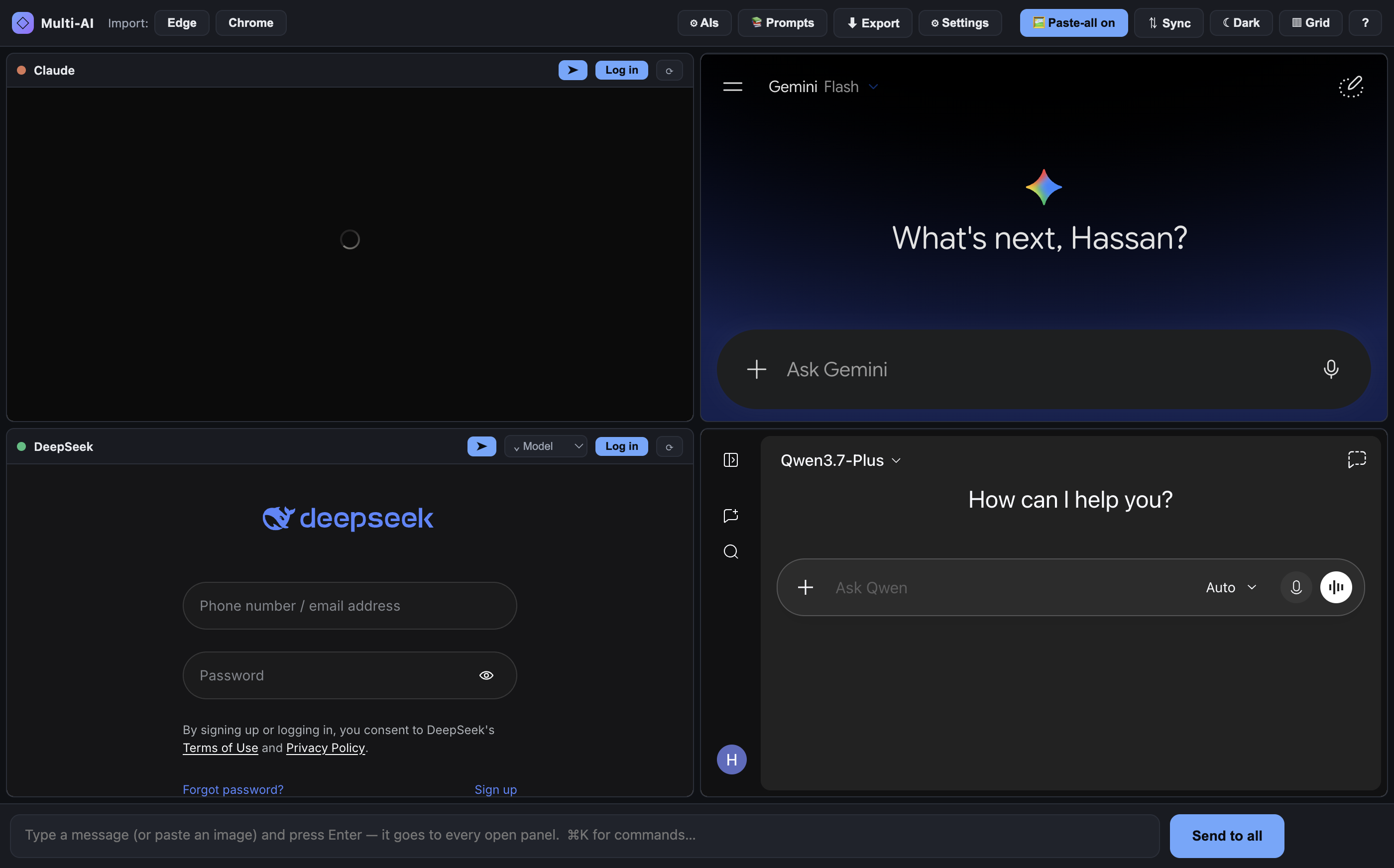
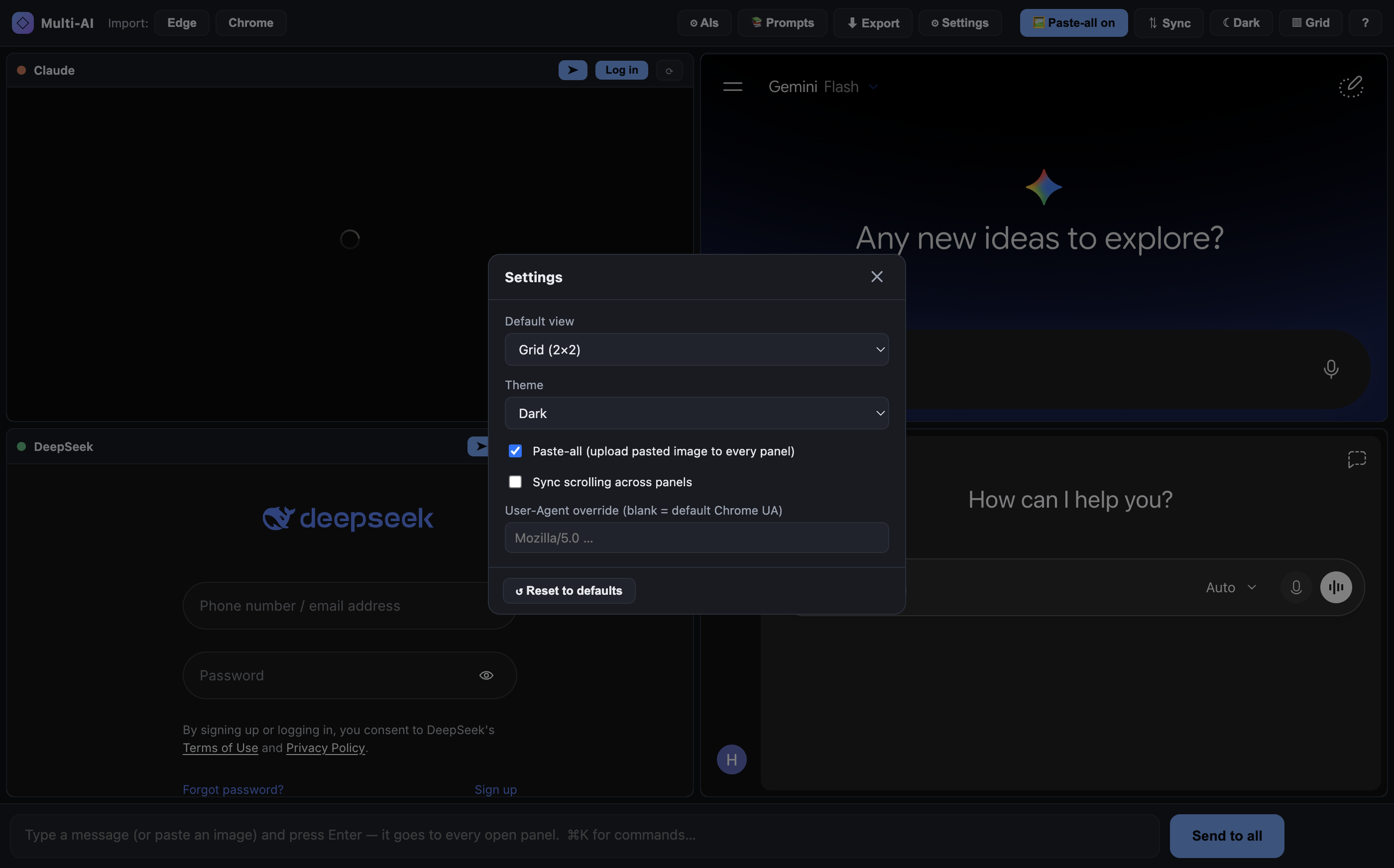
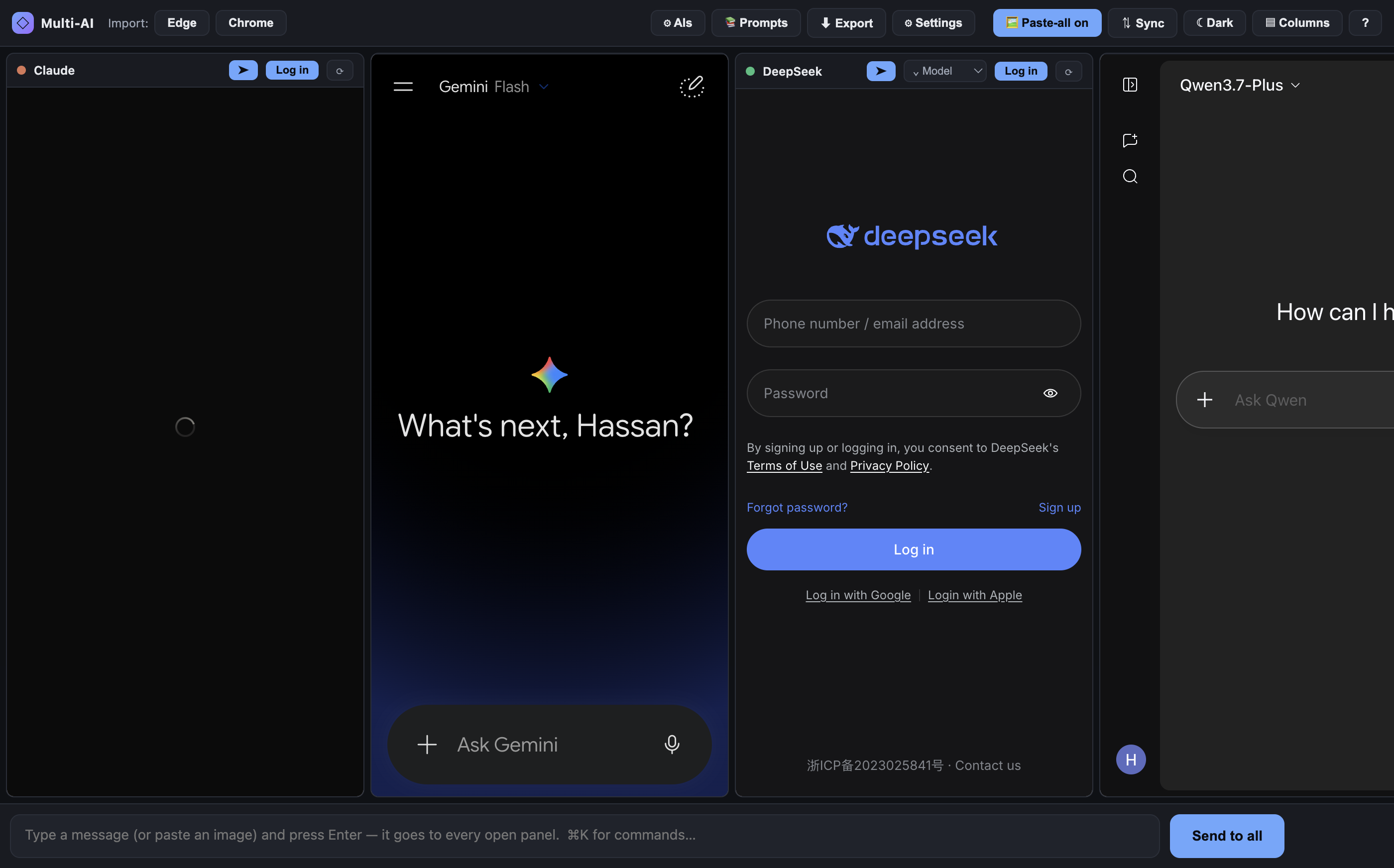
One prompt in. Every AI out.
Claude · ChatGPT · Gemini · DeepSeek · Qwen · Grok · Perplexity · Copilot and more — side by side in one window. Type your prompt once and it goes to all of them at the same time. No API keys, no billing — each panel is a real, logged-in browser view.
Type once, hit Send to all (or Enter). Every panel also has its own ➤.
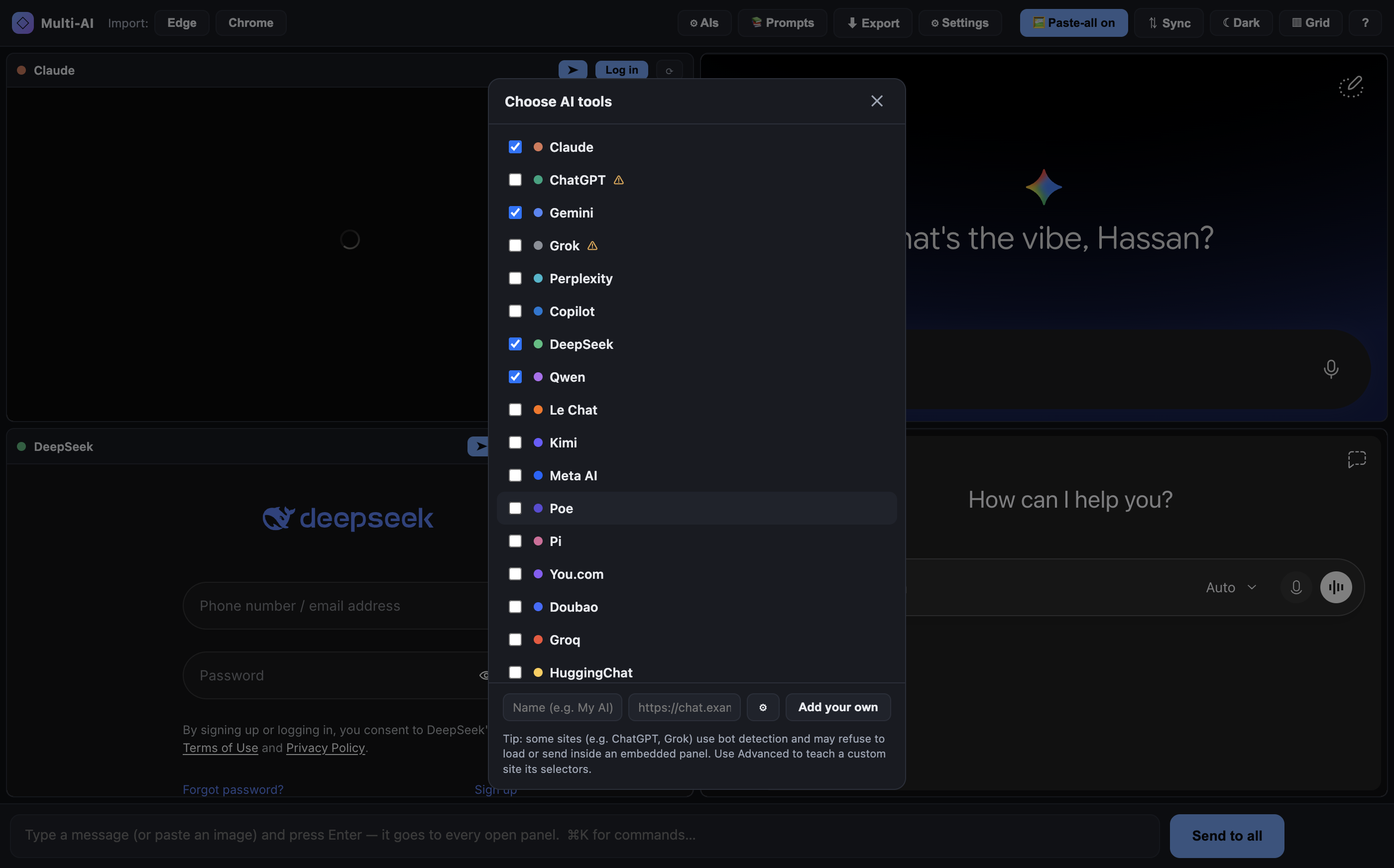
19 built-in AIs + add your own by URL — with an Advanced editor for custom selectors.
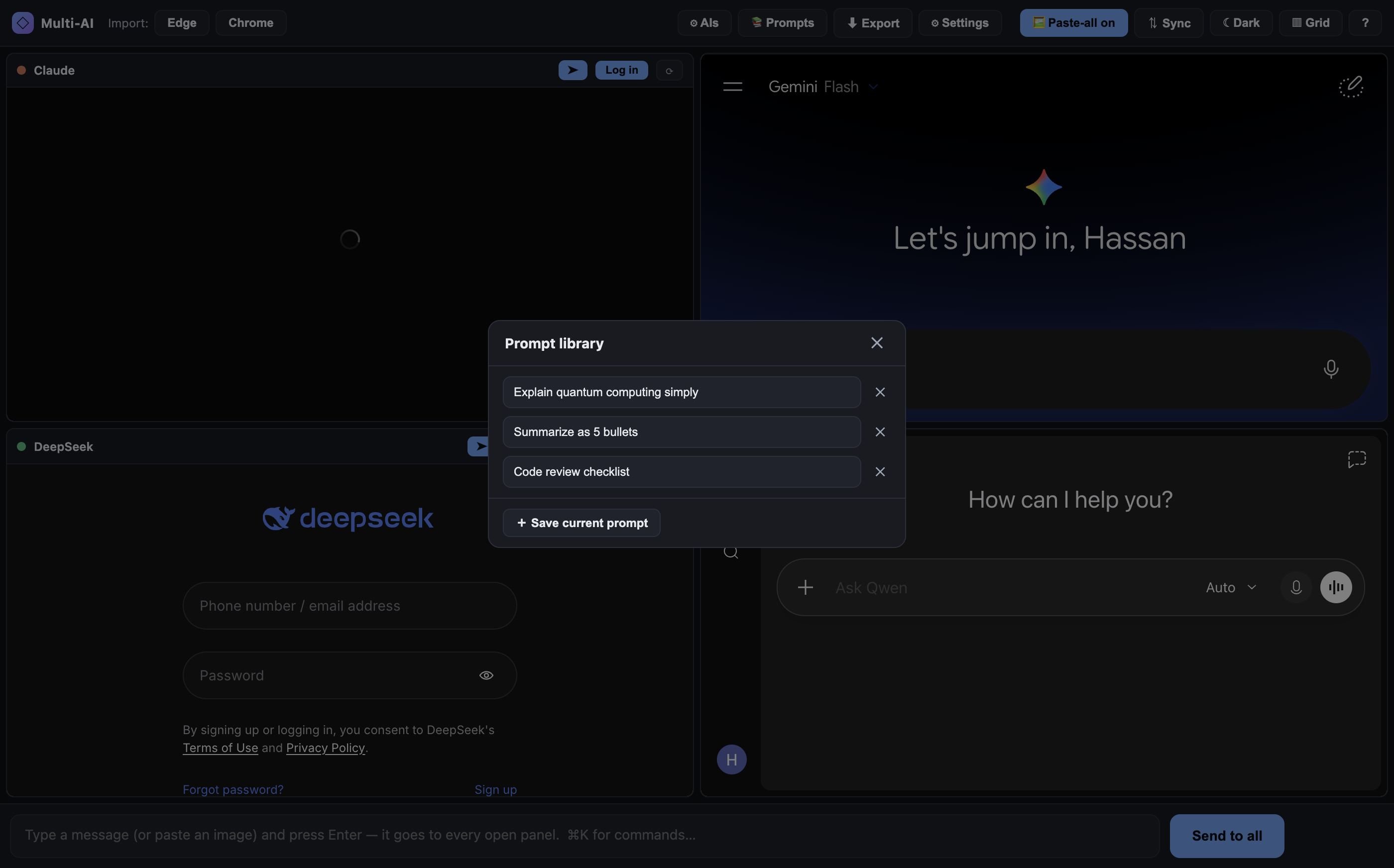
Save prompts you reuse and drop them back into the composer in one click.
Grab every panel's latest answer into one Markdown file — prompt on top, one section per AI.
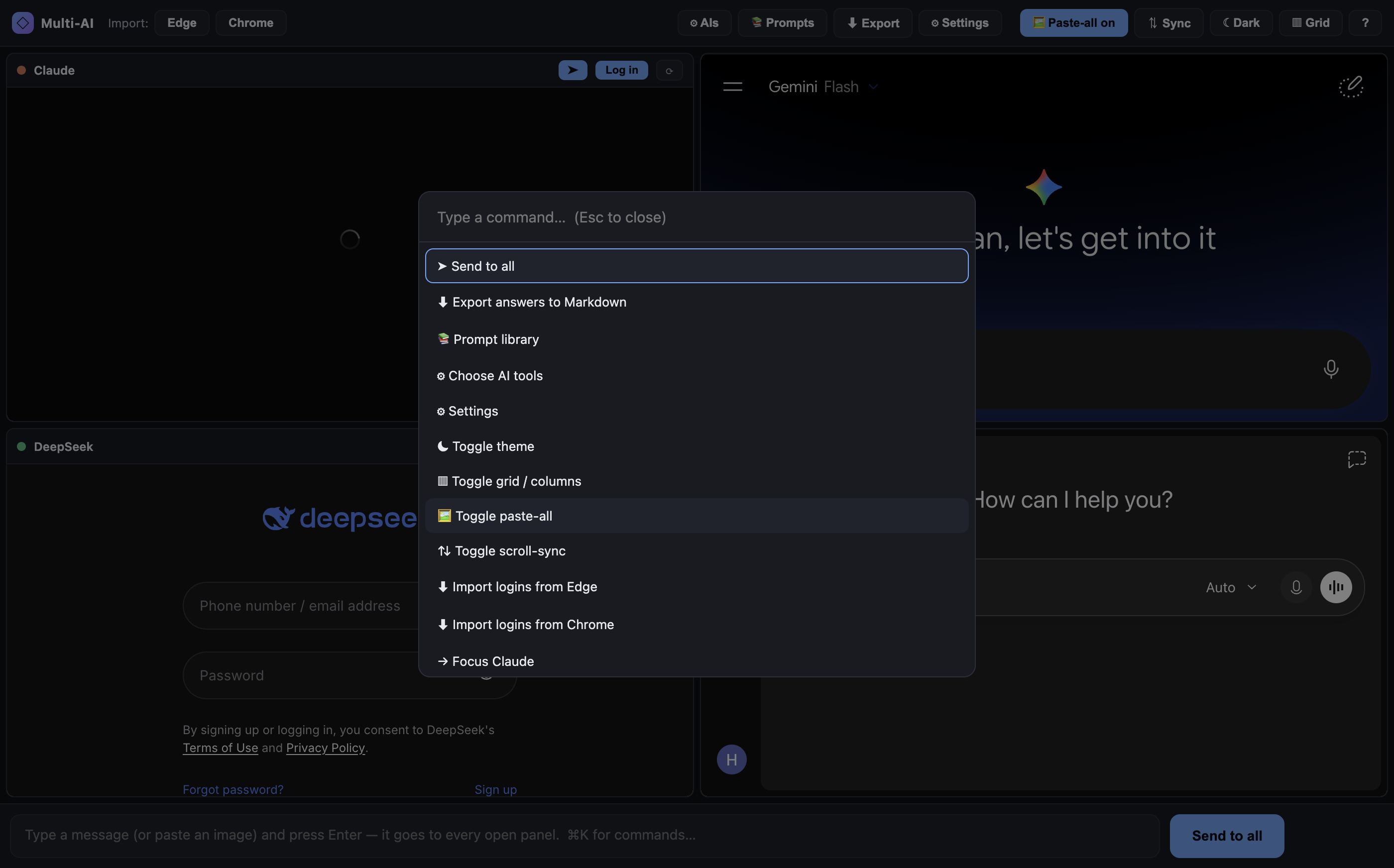
⌘/Ctrl+K to run any action or jump to a panel, no mouse needed.
Default view, theme, paste-all, scroll-sync, and a User-Agent override — one home.
Pull auth cookies from Edge/Chrome (macOS/Windows/Linux) so you skip re-logging-in.


⌘/Ctrl+V an image and it uploads into every AI (verified before the prompt sends).↑/↓ prompt history, ⌘/Ctrl+K command palette.These sites block plain web embedding (Cloudflare bot checks + anti-iframe rules). Multi-AI sidesteps that entirely: every panel is a genuine Chromium browser view pointing at the real website. You use your own logged-in accounts — nothing is proxied, no keys, no per-token cost.
Each site in the catalog (renderer/catalog.js) holds its URL, login URL, brand color, and optional CSS selectors for the input box and send button. broadcast() injects a tiny script into every enabled panel to fill the box and click send. Answers render in place on each real AI website, using your logged-in session.
Tech: Electron 33 (Chromium <webview> panels) · vanilla JS/HTML/CSS · no framework, no bundler, zero runtime dependencies. Auth persists in an Electron session partition; UI preferences in localStorage.

# clone and run git clone https://github.com/battastudio/MulAI.git cd MulAI npm install # downloads Electron (~150 MB, one-time) npm start # opens the Multi-AI window
First run: click Log in (or Import) and sign in to the AIs you want. If a panel shows a Cloudflare check, complete it right inside the panel — it's a real browser. Then type a prompt and Send to all.
Build a standalone app bundle:
npm run package:mac # → dist/Multi-AI-darwin-* npm run package:win # → dist/Multi-AI-win32-x64 npm run package:linux # → dist/Multi-AI-linux-x64
No .env, no config, no API keys.
sqlite3 must be on PATH.renderer/catalog.js (or the picker's Advanced fields).